Welcome to Gopher Request!
The app that’s about to make your life a heck of a lot easier.
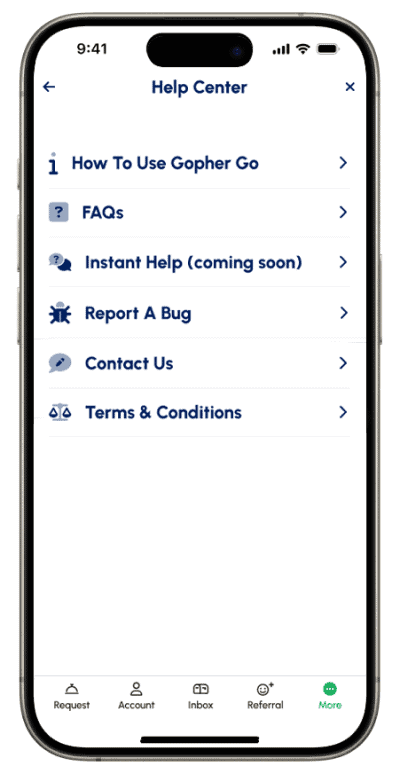
The following info can also be found in the Help Center, located under More Stuff in the Gopher app as well as on our YouTube channel titled Gopher Tutorial.
Complete your profile.
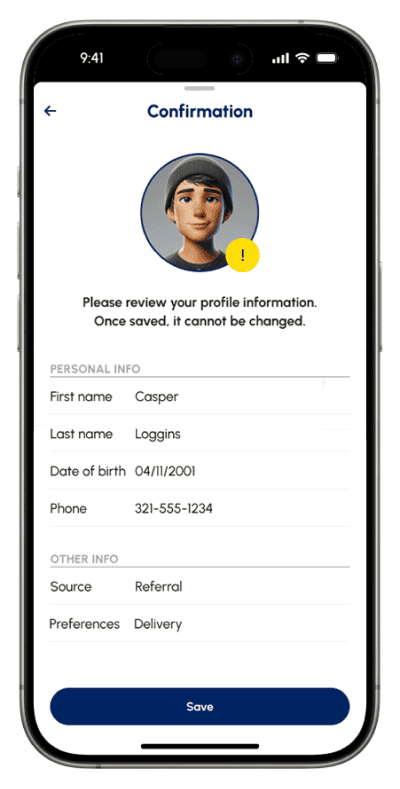
Personal Info
Helpful Tips:
Choose a recent photo for your profile pic.
Use your legal first and last name.
Your name, birthday and phone number can’t be changed once submitted so please double check before saving.
If after singing up, your name and/or number change, please email support@gophergo.io or use the contact us feature in the app and/or website.
Payment Account
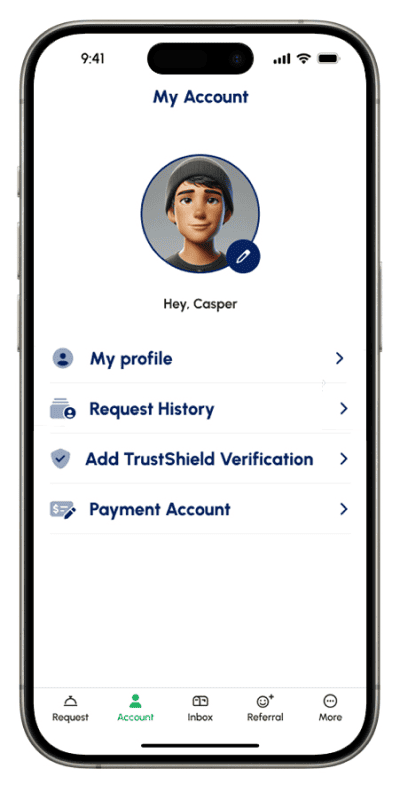
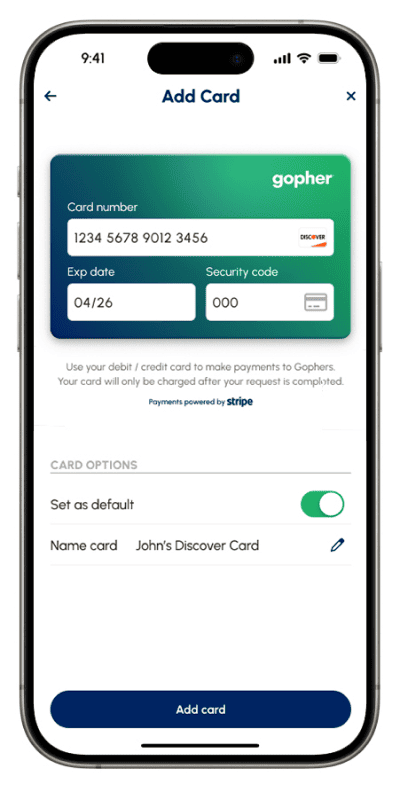
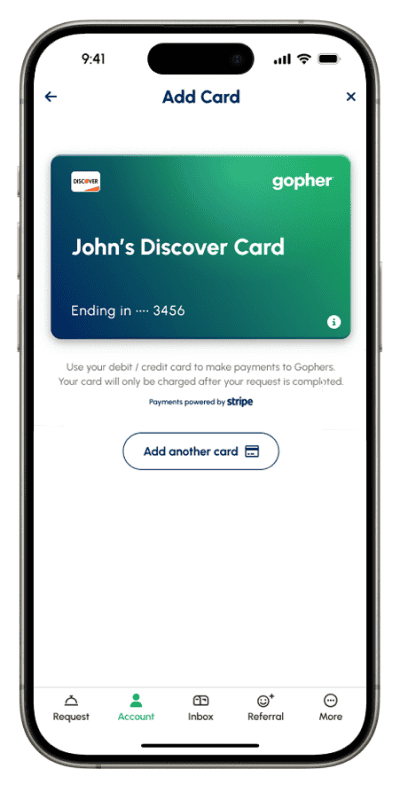
Setting up your payment info is easy. From your dashboard, navigate to Account then Payment Account. This is not required until you’re ready to make your 1st request. Gopher uses Stripe as our trusted payment partner.
The following info will help you find exactly what you're looking for!
Request Categories
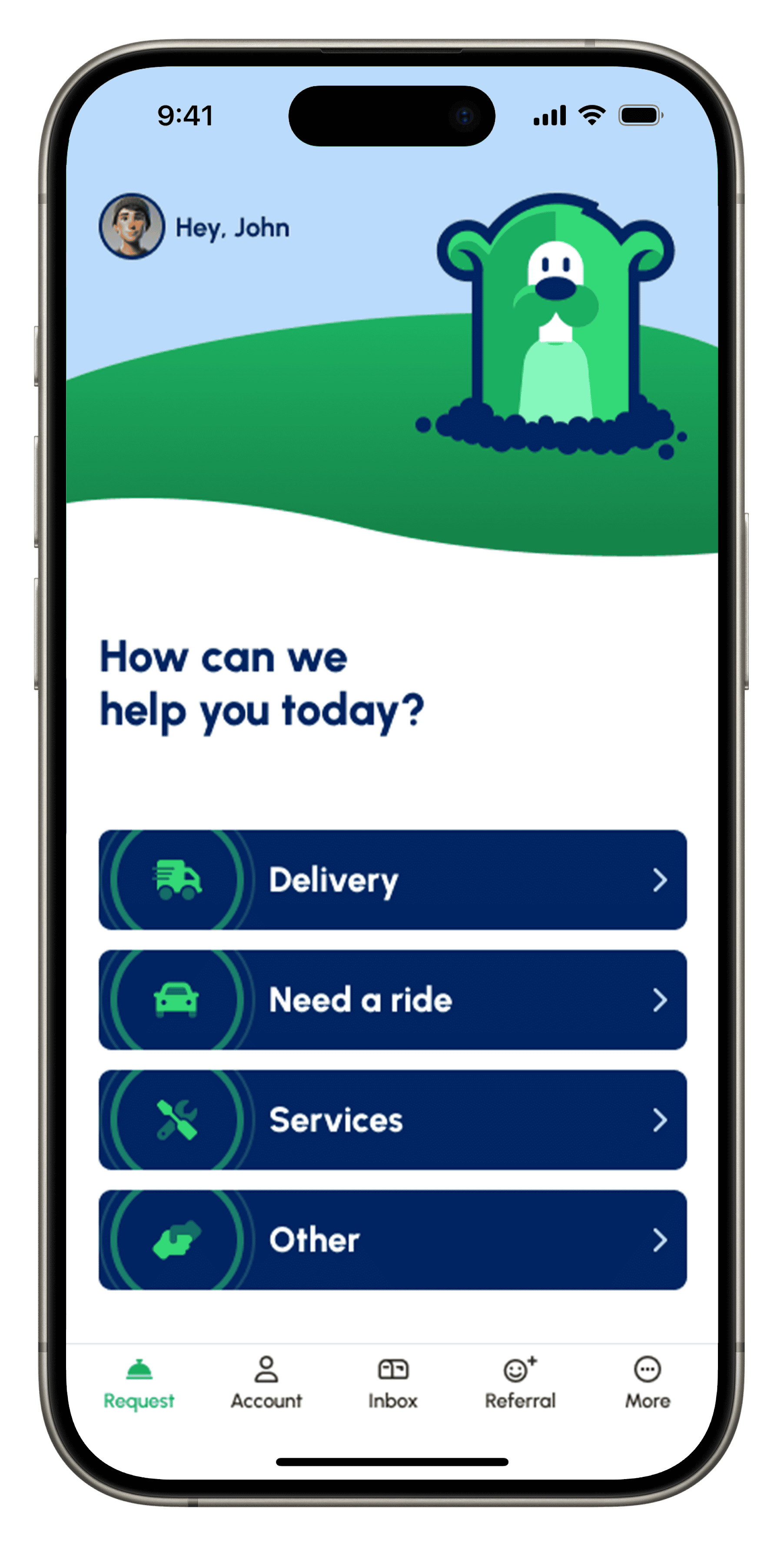
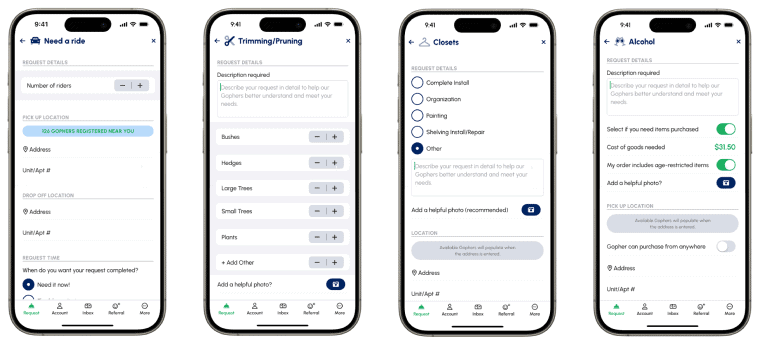
You’ll find the three most popular Request categories on your home screen.
Need something different or unique? Simply select Other and you can request literally anything you need.
*Please keep in mind all workers select the categories and sub-categories they will see posted so selecting the most relevant category is important.
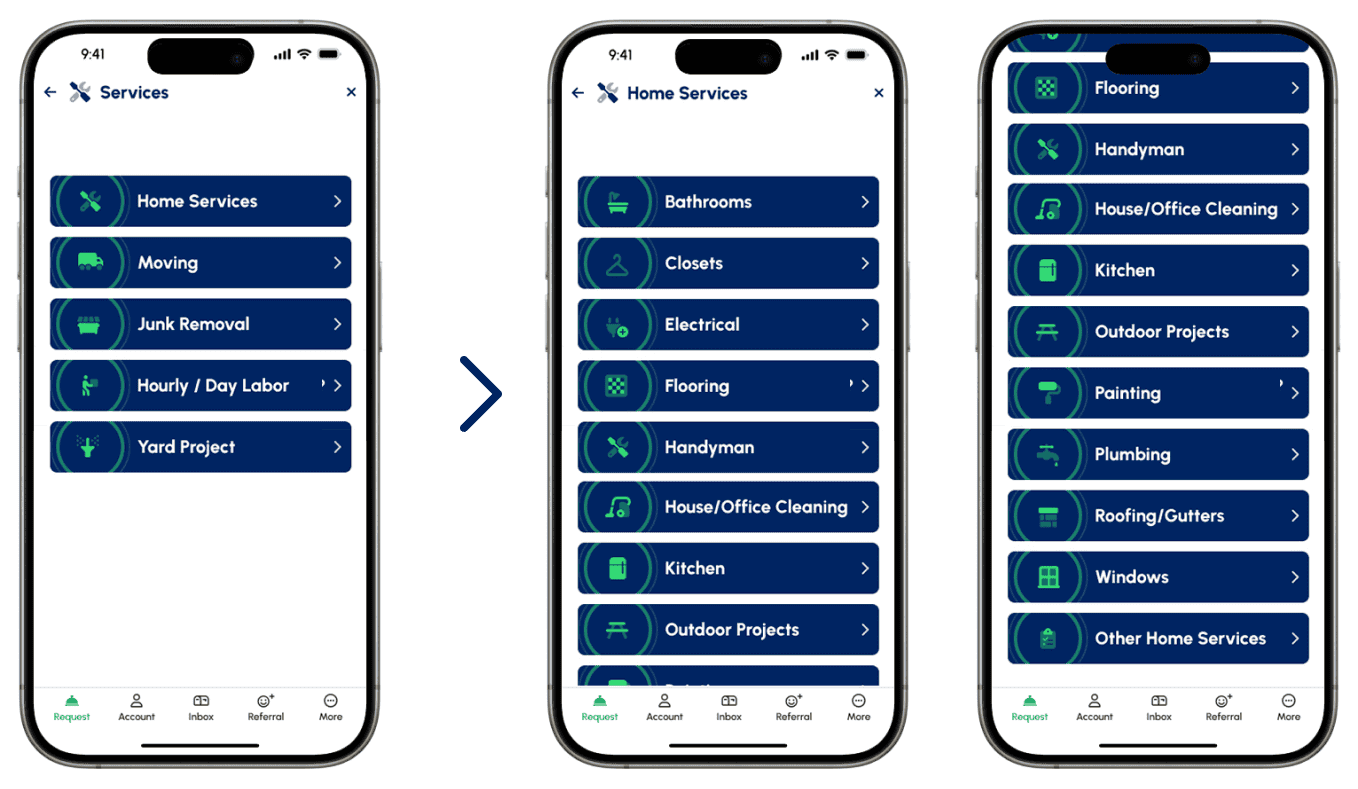
Sub-Categories
Next pick the closest sub-category that best describes your Request. All workers skilled in that category will then be notified.
Request Details
Since each Request type is unique, we’ve provided simple pathways to allow you to easily enter the task needed, as well as make it easy for the worker to understand.
Payment and Pricing
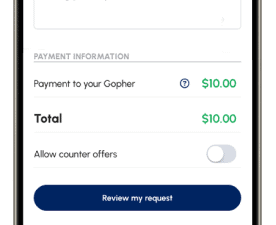
Gopher Request is unlike any service platform out there because YOU set the price. Gophers work for YOU. What you pay them is what they make. Please think of offers to the workers as “wages” and not “tips.”
For purchase needed requests, we have a “suggested pricing” option that uses real marketplace information from previously completed requests. However, at the end of the day, you have the final say with what you want to pay.
For unique or larger jobs, if you’re not sure what to offer, you can always ask for bids. All incoming bids will show up in one place to make it easy for you to decide who you want to hire.
Please keep in mind Gopher is not auto-fulfillment, it is ultimately up to the worker to determine if the offer is fair.

Know exactly what you want to pay for something?
Just make a price offer. This is a great option for simple errands, rides and deliveries.
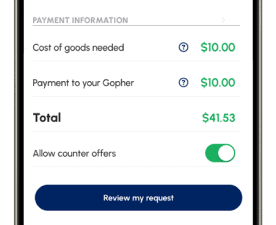
Need items purchased?
If you’re unable to pay the merchant in advance, you can include the cost of goods to reimburse your Gopher for any purchasing expenses. This amount will be added onto whatever you’re offering for completing the job itself. If it doesn’t end up being enough, your Gopher can make a cost adjustment.
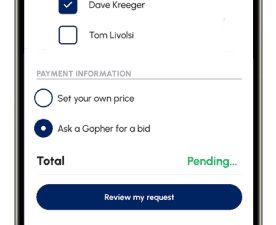
Not totally sure what a fair offer might be?
Ask for a bid from a Gopher. You’ll be notified when an offer comes in, and you’ll be able to see the Gopher's ratings, reviews and job history.
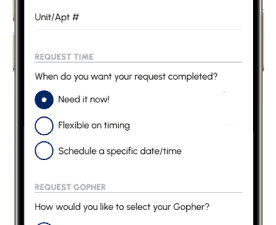
Request Timing

Need it now
As soon as a Gopher accepts your Request, they’ll be on the move. A "Need it now" request will expire after 1 hour if not yet accepted.
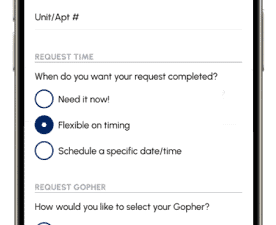
Flexible on Timing
Choose to have your request completed within 24 hours, a week or 2 weeks. You and your Gopher can land on a firm date shortly after the request is accepted.
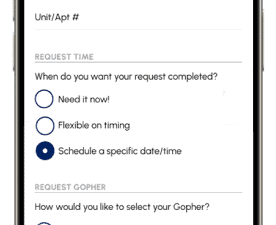
Schedule a specific date/time
Set a specific date and time for which you’d like a Gopher to complete your Request. Just say when!
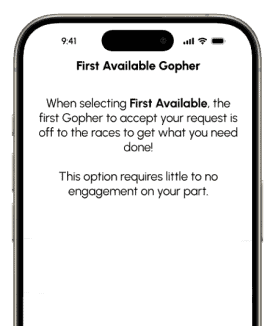
Choosing Your Gopher

First Available
The first Gopher to accept your Request will get the job. This option is recommended for quick deliveries and lower-paying tasks. This options is only available for delivery and rides.
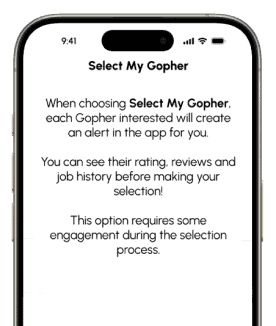
Select My Gopher
You pick who you hire. You’ll be notified when a Gopher is interested in your Request, so you can check out their ratings, reviews and job history before hand if you prefer.
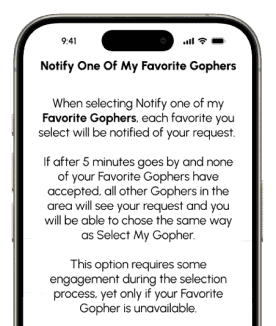
Notify MY Gophers
After each request, you can add that Gopher as a Favorite so the next request can go directly to them if you prefer. If they’re not available within the first few minutes, you’ll still have the option to pick from other great helpers in your area as well.

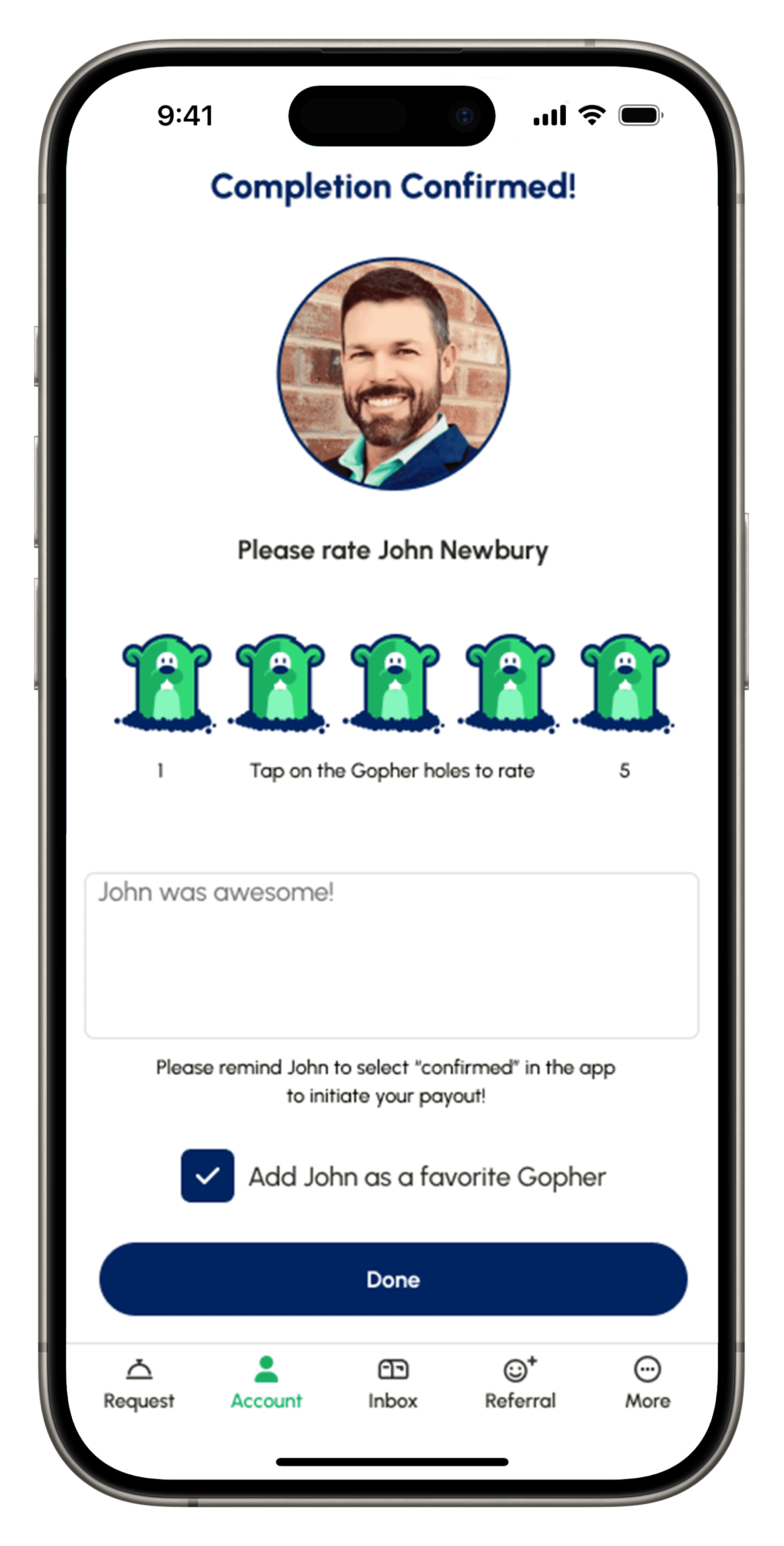
At the end of each Request, you can designate someone as a Favorite Gopher!
Lastly, review your Request. And if all looks good...
More features...
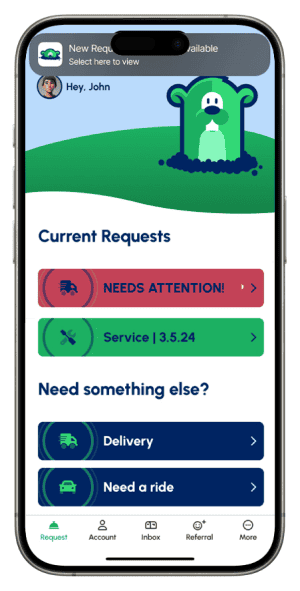
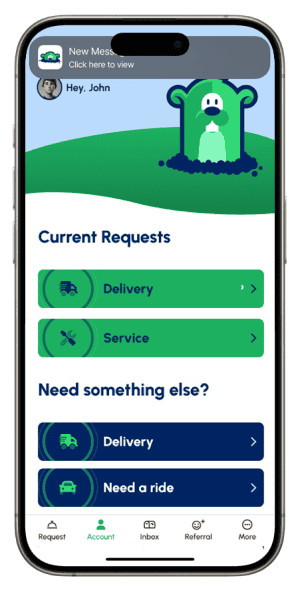
Request Notifications
Whenever your pending, active or scheduled Request needs attention, you’ll receive a notification and an alert on your dashboard.
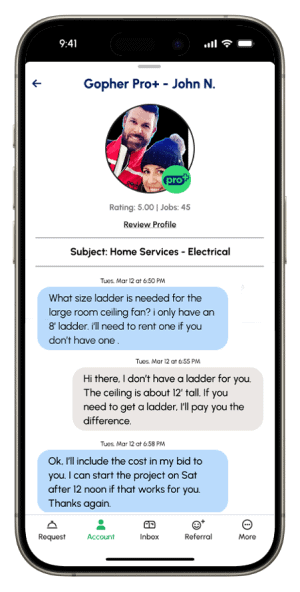
Communicating with Gophers
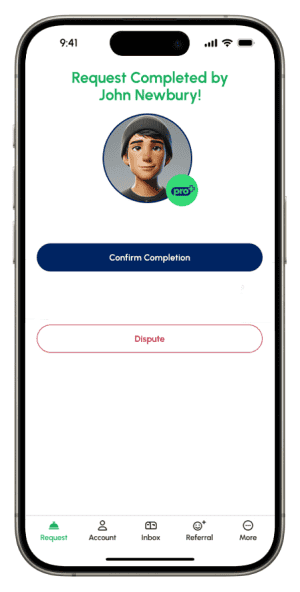
Confirming a Completed Request
Upon completion of your Request, you’ll be notified by the app and via text. Just click the link to head to the confirmation page.
As soon as you confirm the Request was completed, you’ll be asked to rate your Gopher and add any comments you see fit. You can also add them as a Favorite Gopher.
As a courtesy to your Gopher, please confirm the completion of your Request as soon as you can so they get their payout timely, especially if they incurred an out of pocket expense. If you haven’t confirmed within 48 hours, a non-refundable auto confirmation will be initiated.
Once a request is confirmed by you, the payout to your Gopher is initiated and cannot be undone, so please ONLY select confirmed if the task was completed.
Message Inbox
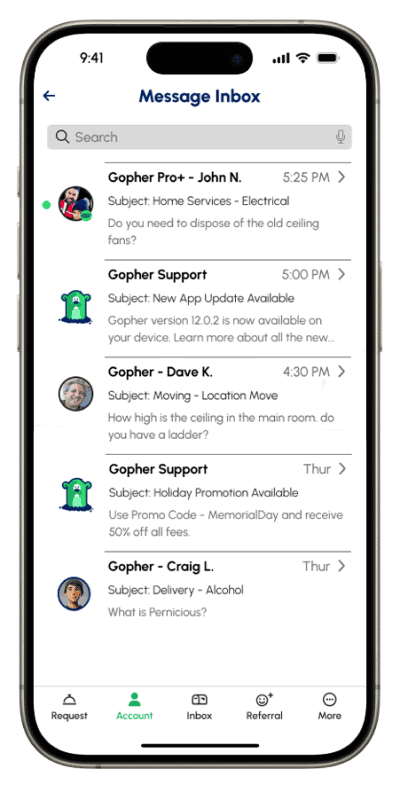
Stay up to speed with new features, enhancements and promos sent to your Message Inbox in the app.
Refer the App
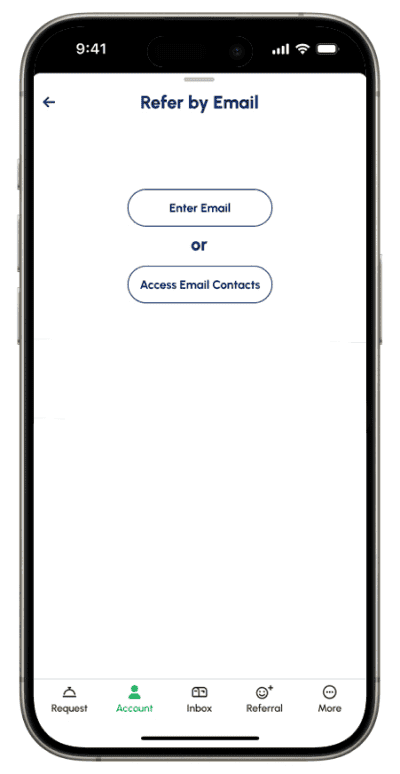
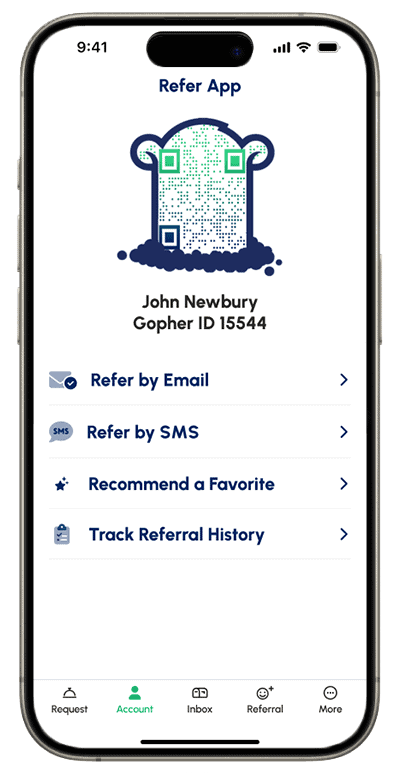
In addition to being able to share the app via text or email, you can also refer Favorite Gophers to your friends with the new Recommend a Favorite feature!
We highly encourage you to share your favorites as it is a great way to help hard workers in your community!
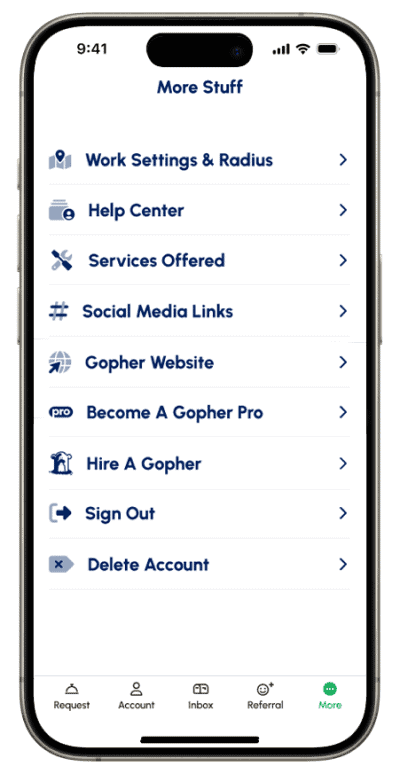
More Stuff
Click More on the bottom navigation bar in the app to find helpful links and resources.
We’re all about doing more with less clicks. As we continue to evolve and improve, there’s no doubt we’ll experience a hiccup or two along the way. If anything ever feels wonky, use the Help Center feature so we can diagnose and resolve issues ASAP.
The Gopher Marketplace is growing every day!
Don’t be afraid to submit a Request in a new location. If no Gophers are available, it’ll just expire and you won’t be charged a penny. And that’s our cue to get to work spreading the word in your area! Please follow us on Social Media to learn how you can help, and don’t forget to refer the app!
Now you’re ready to go!
That said, we still highly encourage new users to visit our FAQs. With an evolving platform with endless possibilities, we are committed to updating the most popular questions weekly.